Device Setup Guidance
Before choosing any provider, it is important to confirm that the service works on the equipment you already own. Our IPTV device setup guidance helps you find providers that support your Firestick, Smart TV, Android device, iPhone or computer. The service is offered free of charge by Wolfstream IPTV.
Compatibility should be confirmed before you subscribe, not after. We match you with providers that support your device from the start.
– Wolfstream IPTV Team
Key Benefits of Device Setup Guidance
- 1 Providers matched to the device you already own
- 2 Setup details and pricing sent directly by the provider
- 3 No wasted payments on services that will not work on your equipment
IPTV compatibility varies. A service that runs well on a Firestick may not offer a suitable app for a particular Smart TV, and mobile support can differ between Android and iPhone. By telling us which device you plan to use, you allow us to filter out providers that cannot support it. This saves time and reduces the risk of choosing a service that does not fit.
Supported Devices and Related Services
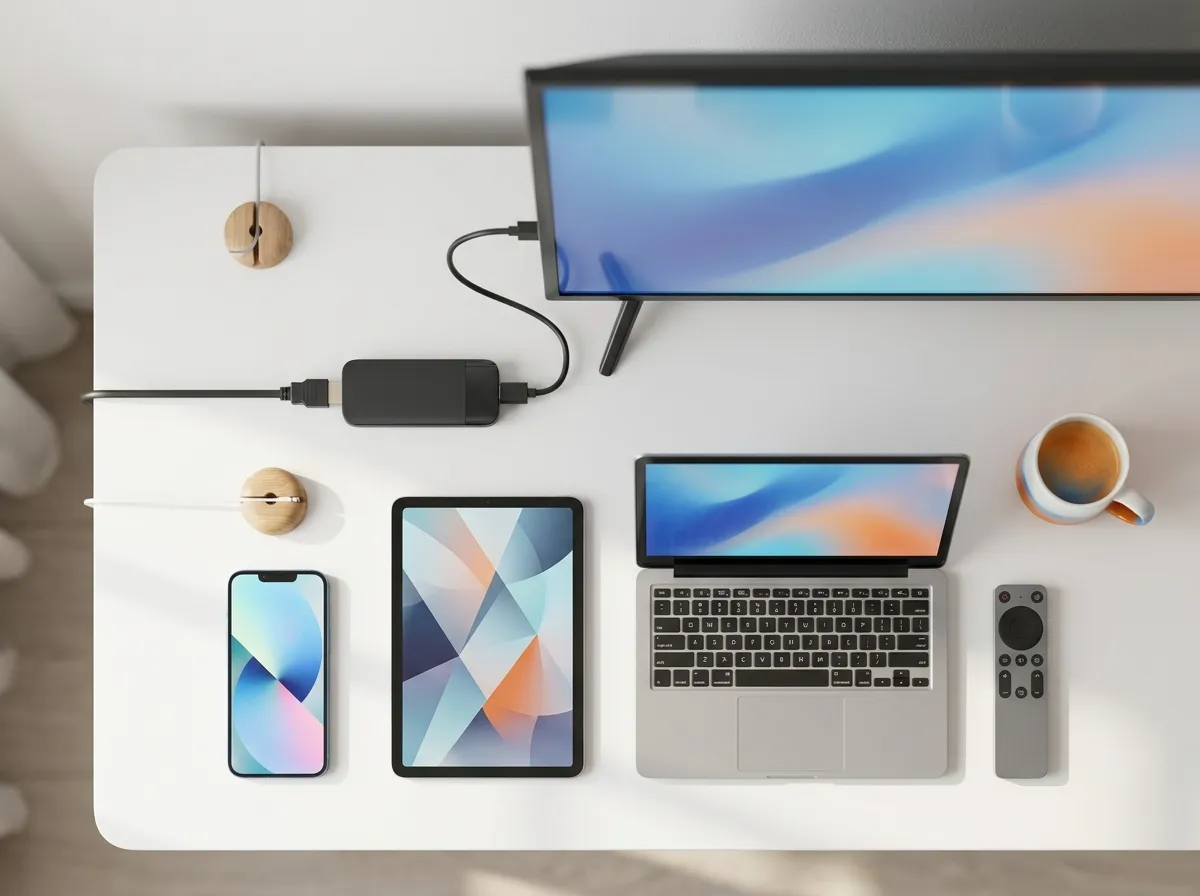
We can match you with providers that support Amazon Firestick, Smart TVs, Android phones and boxes, iPhone, iPad, Windows and Mac. Once your device is confirmed, you may also want to explore the following services.
Please include your device model and the country you are in when you contact us. If you use more than one device, you can request a combined recommendation through our Multi-Device Quote service. Our full range is listed on the IPTV matching services page.
Wolfstream IPTV is an independent matching platform and does not host or sell streams. After matching, the provider sends you the setup instructions and pricing, and you choose whether to proceed.
Send us your device details and receive a personal recommendation within 24 hours.
Get Your Free IPTV Match